Export the project
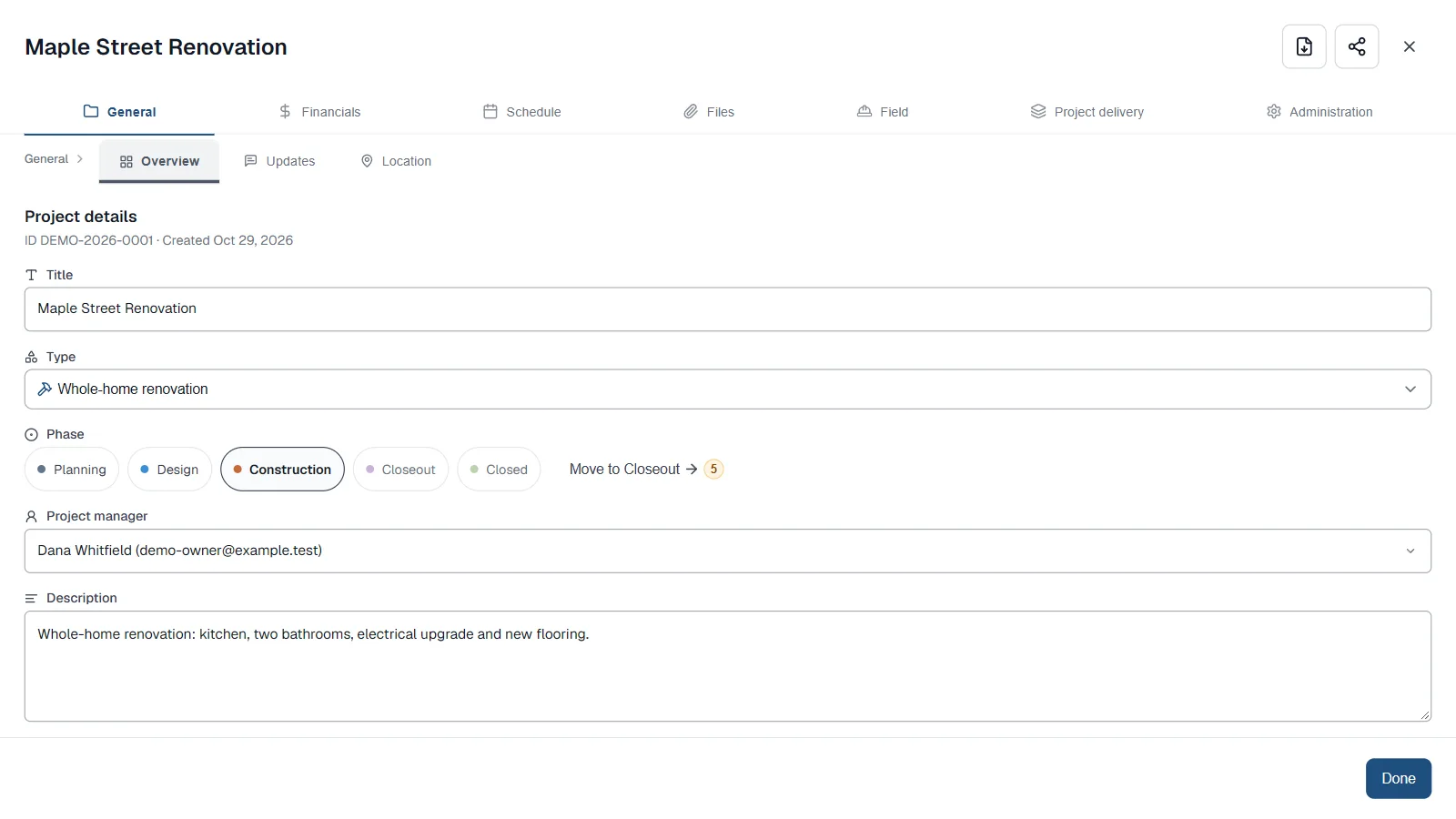
- Open the project and choose Export project, the download button at the top right. It's also in Administration, then Overview.
- Under What to include, choose Everything for all 15 sections, or Choose sections to pick your own.
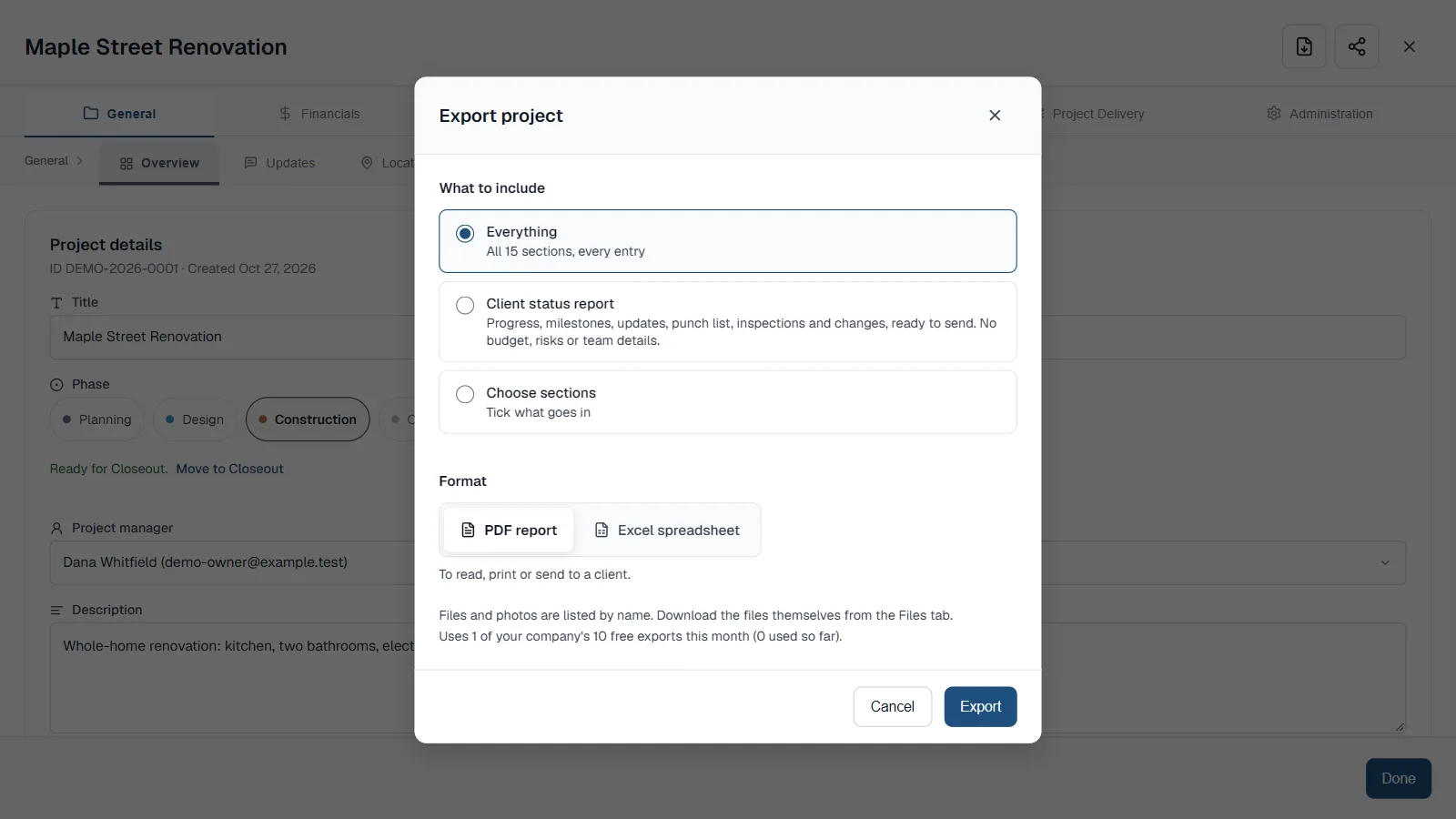
Everything covers all 15 sections. PDF report is the default format. - With Choose sections, every box starts ticked. Choose Clear all, then tick the sections you want.
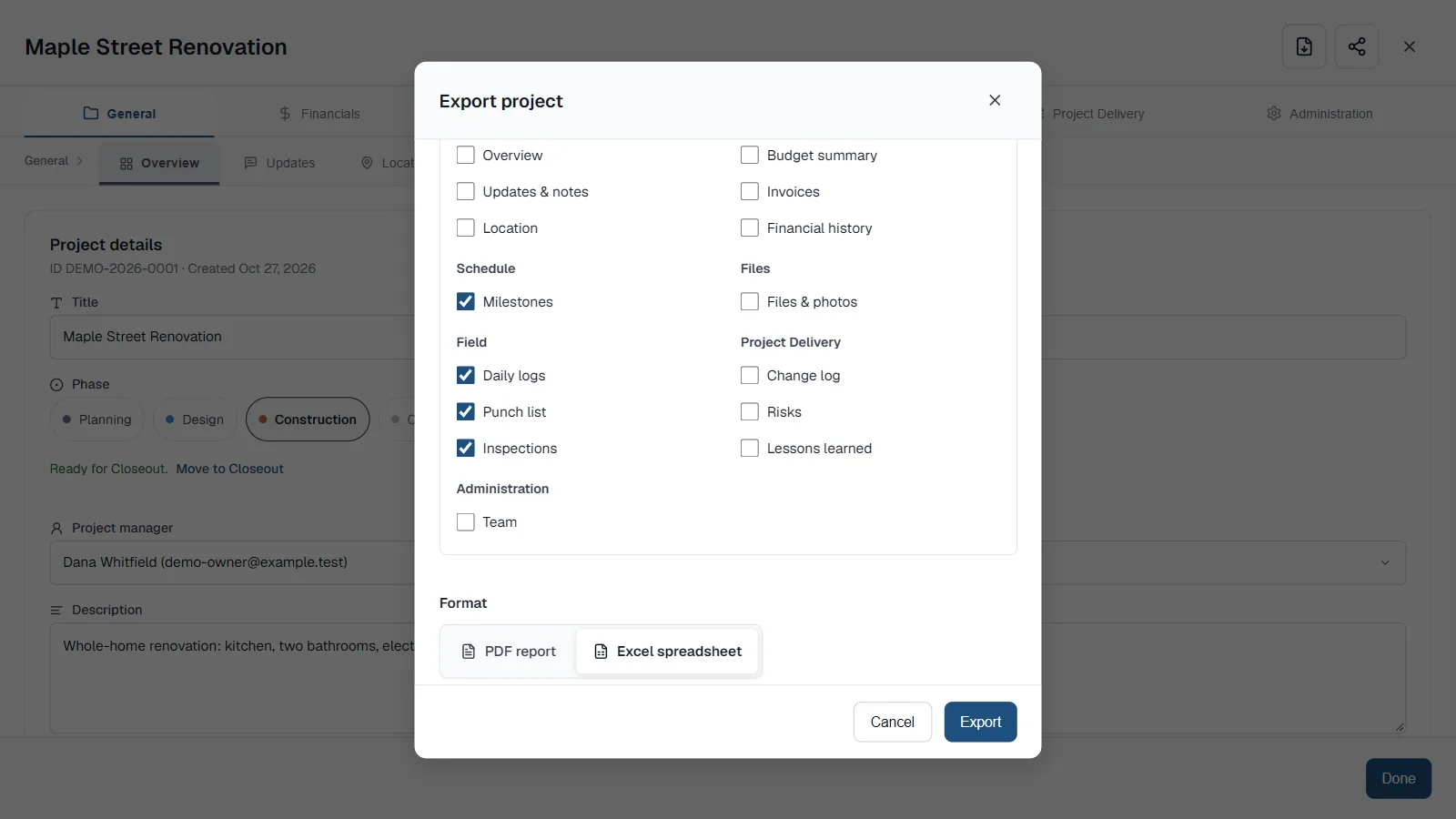
Four sections ticked, saved as an Excel spreadsheet. - Under Format, choose PDF report or Excel spreadsheet.
- Choose Export and save the file.
- The sections are Overview, Updates & notes, Location, Budget summary, Invoices, Financial history, Milestones, Files & photos, Daily logs, Punch list, Inspections, Change log, Risks, Lessons learned and Team.
- Choose Select all to tick every box again. The window counts how many sections are selected.
What you get
- Every entry of each section you pick is included. There is no limit on rows.
- PDF report is for reading, printing or sending to a client.
- Excel spreadsheet has one sheet per section, with real dates and numbers. Overview, Location and Budget summary share a Summary sheet.
- Files and photos are listed by name, type, size, uploader and date, and pasted links are included. They are not embedded, so download the files themselves from the Files tab.
- Sections your company has hidden are not offered and are not exported.
Next time
ProtoPM remembers your last choice in that browser: the sections you ticked and the format. When your last selection differs from Everything, it appears as its own option, Your last selection.
Good to know
- Each export, PDF or Excel, uses one of the company's 10 exports a month on Free. The same 10 cover look-ahead PDFs, invoice PDFs and the invoices CSV.
- The window shows how many you have used. If an export fails, it isn't counted.
- The Documents & Branding add-on makes exports unlimited and removes the "Made with ProtoPM" credit. See pricing
- Guests can't export a project.
Frequently asked questions
Can I export a construction project to Excel?
Yes. In Export project, choose Excel spreadsheet. You get one sheet per section, with real dates and numbers.
Can I export only some sections of a project?
Yes. Choose Choose sections and tick the ones you want. ProtoPM remembers your last selection in that browser.
Does an Excel export count toward my exports?
Yes. PDF and Excel exports each use one of the company's 10 exports a month on Free. Documents & Branding makes them unlimited.
Are files and photos included in the export?
They are listed by name, type, size, uploader and date, not embedded. Download the files themselves from the Files tab.