Create a fire alarm project
- On Home, choose Create project.
- Type the project title. A title with fire alarm in it picks Fire alarm system for you. Or open Project type and search for fire.
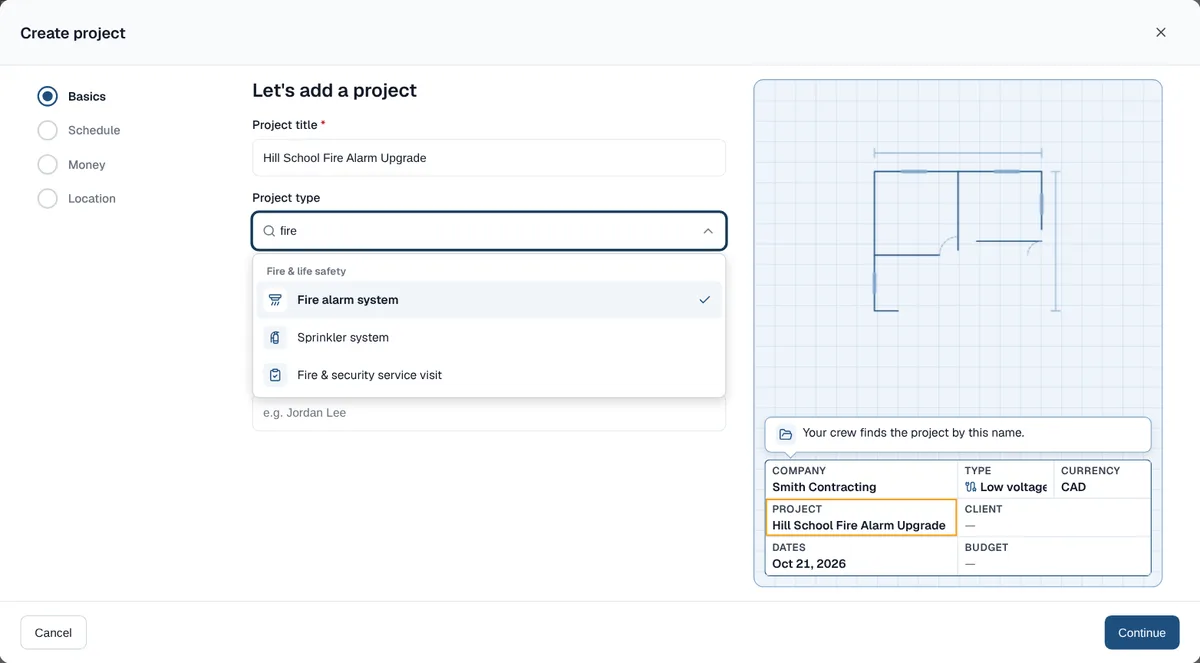
Search the Project type list. Fire & life safety types sit in their own group. - Choose Continue, then pick the end date or tap +3 months. The milestones spread across your dates.
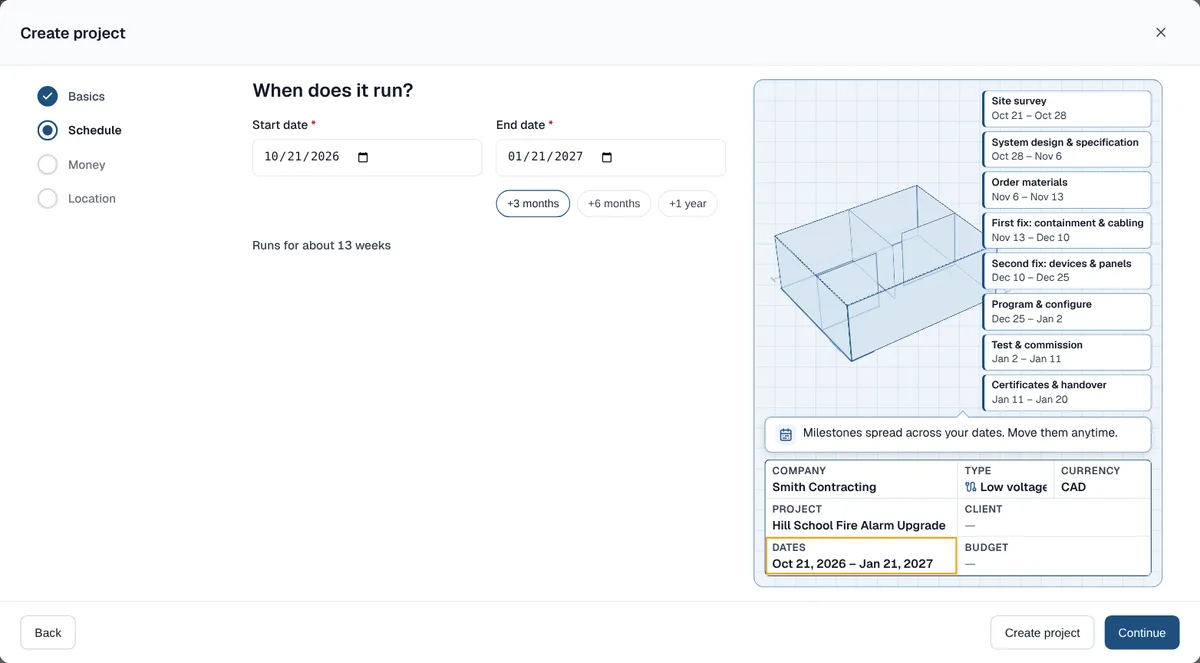
Pick the end date and the fire alarm milestones spread across it. - Add the budget and the site if you like, then choose Create project.
What the fire alarm type adds
- Eight milestones: Site survey, System design & specification, Order materials, First fix: containment & cabling, Second fix: devices & panels, Program & configure, Test & commission, and Certificates & handover.
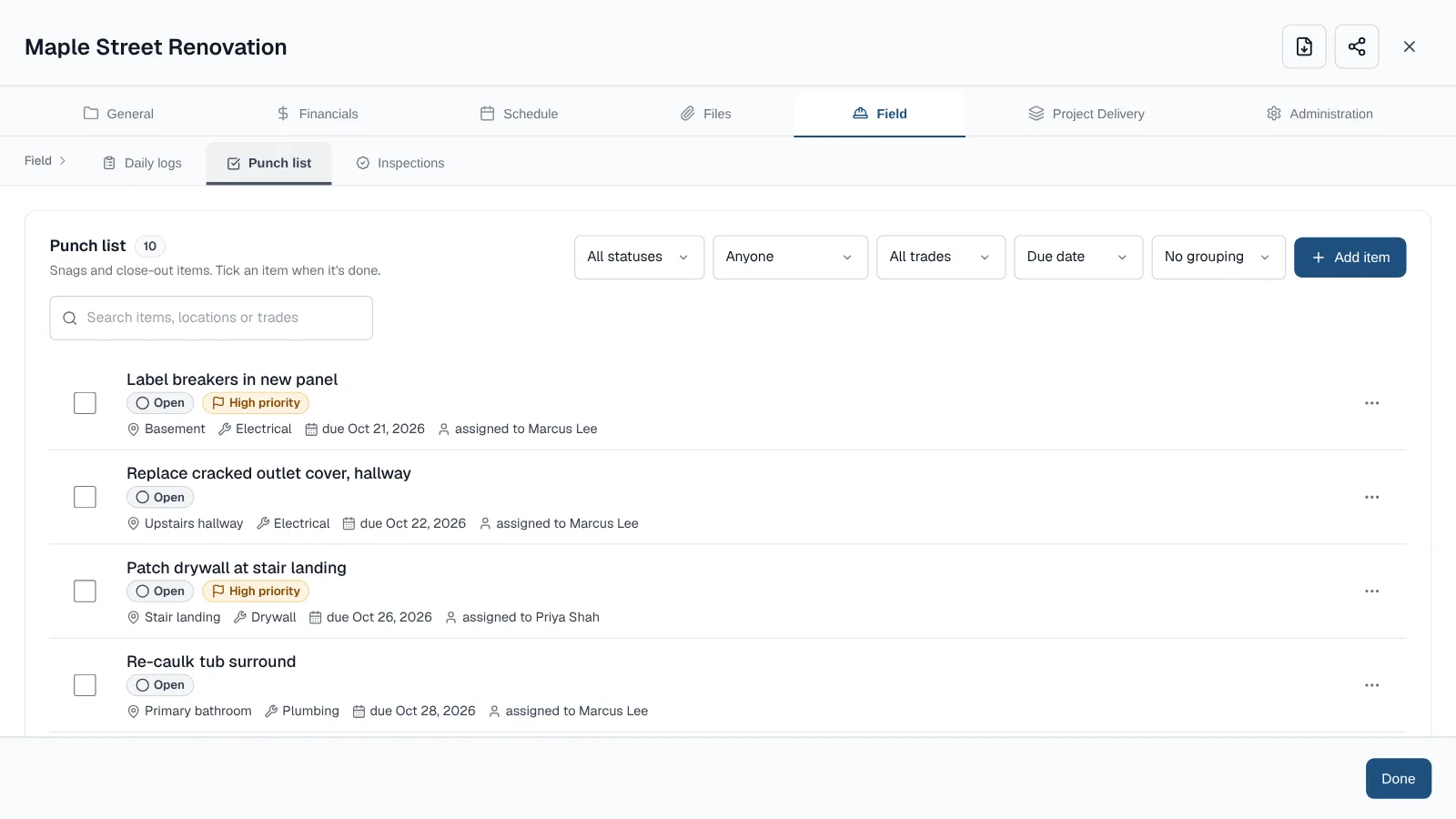
- A punch list: test the cause & effect with the client, measure sound levels in every area, mount the zone plan by the panel, fill in the system logbook, issue the test certificates, and hand over as-built drawings.
- An Acceptance test in Field, then Inspections, for the visit where the fire officer, building inspector or client signs the system off.
- Everything it adds is ordinary data. Rename, re-date or delete any of it.
Run the acceptance test
- Open the project and choose Field, then Inspections.
- Open Acceptance test and add the date and the inspector.
- Open Checklist and choose Add checklist.
- Mark each line Pass, Fail or N/A.
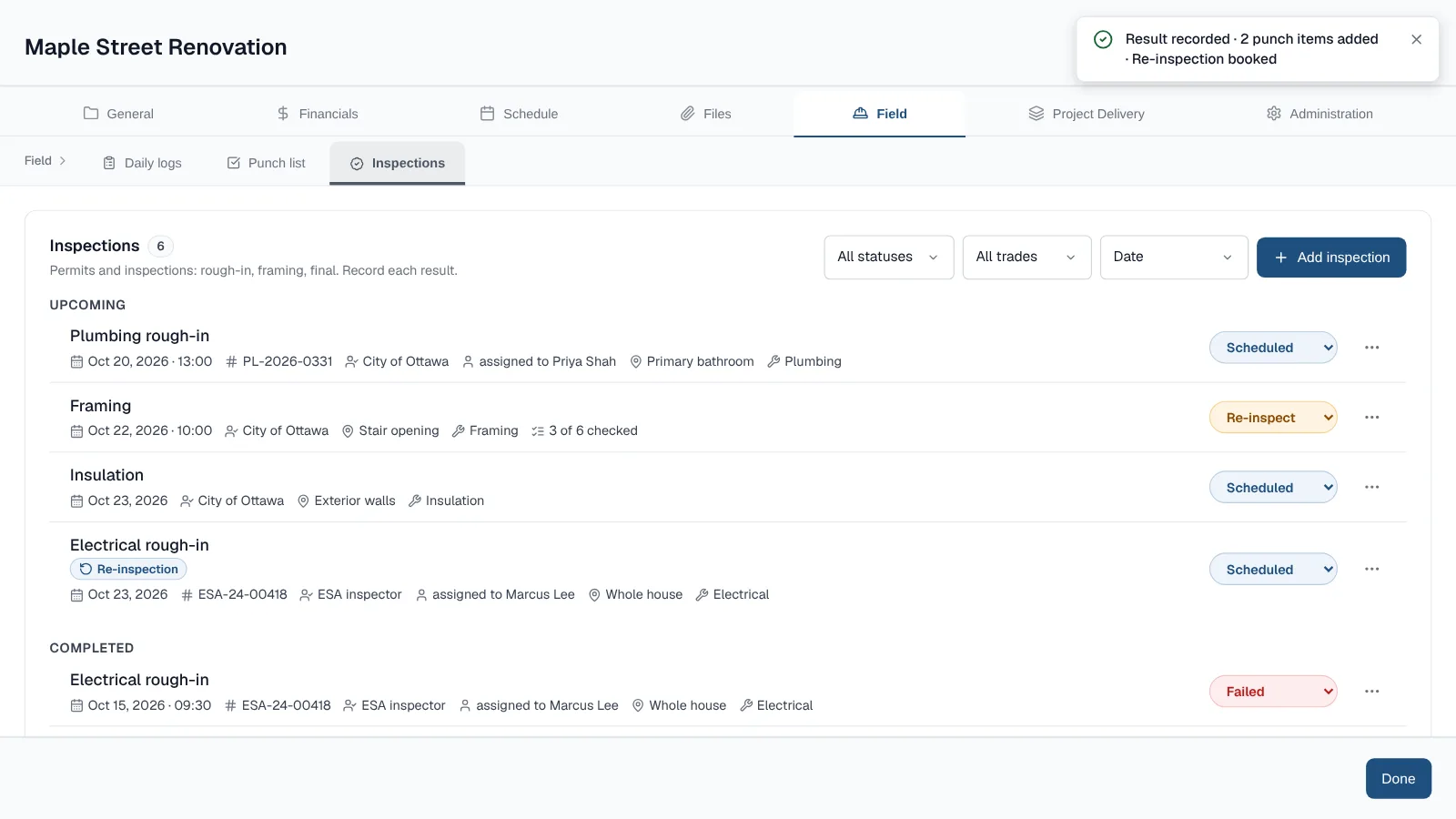
- From the inspection's … menu, choose Record result and pick Passed or Failed.
- The starter checklist has six lines: the commissioning certificate and results, every device reporting to the panel, the cause and effect shown, sounders confirmed in every area, standby power tested with the mains off, and the logbook and manuals handed over.
- If it fails, add each fix as a correction and book the re-inspection in the same window. Record a result and book a re-inspection
Other fire, security and AV jobs
- Fire & life safety: sprinkler system, emergency lighting, refuge & disabled toilet alarms, nurse call, and fire & security service visits. Sprinkler and refuge jobs add an Acceptance test too.
- Security & communications: intruder alarm, Wi-Fi network and VoIP & phone system, next to IP cameras, access control, fiber optic, data network and two-way radio.
- Audio visual & smart home: meeting room AV, PA & voice alarm, hearing loop, digital signage, and smart home & home cinema.
- Electrical testing (EICR) sits under Electrical, and BMS & building controls under HVAC.
- The intruder alarm type ends with connecting the alarm monitoring and training the client. The phone system type checks that alarm, lift and payment lines still work after the switch.
List these types first
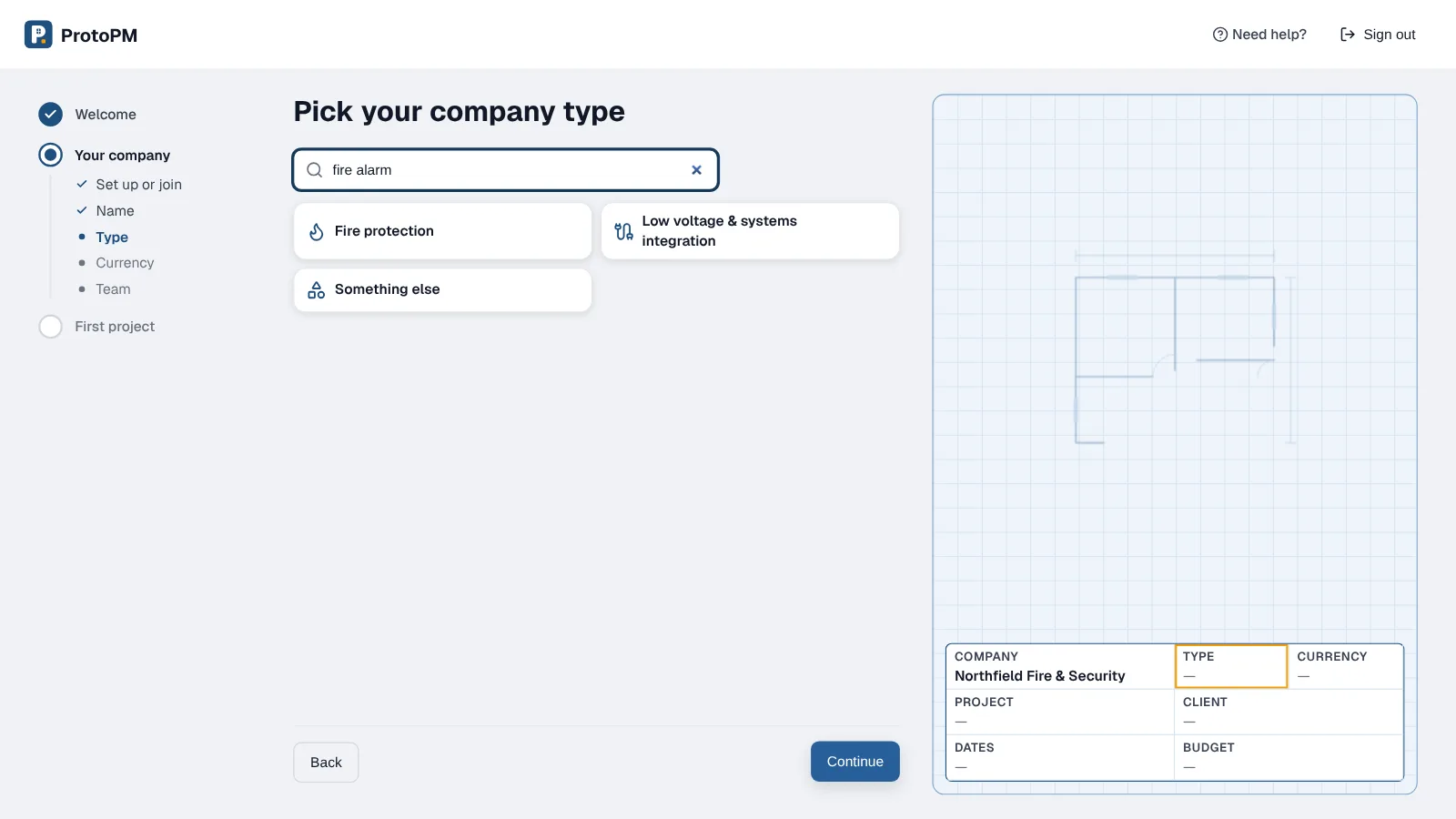
- When you set up your company, pick Low voltage & systems integration or Fire protection as your company type.
- Already set up? A company owner or admin can change Trade in Settings, then Companies.
- Low voltage & systems integration lists Security & communications first. Fire protection lists Fire & life safety first.
Frequently asked questions
Can ProtoPM track a fire alarm acceptance test?
Yes. The fire alarm, sprinkler and refuge types add an Acceptance test inspection. Add checklist gives it a six-line starter list, and Record result logs Passed or Failed with any fixes.
Is it only for fire alarms?
No. Intruder alarms, CCTV, access control, Wi-Fi, data cabling, VoIP phone systems, AV, hearing loops and smart homes each have a project type with their own milestones.
Does ProtoPM design fire alarm systems?
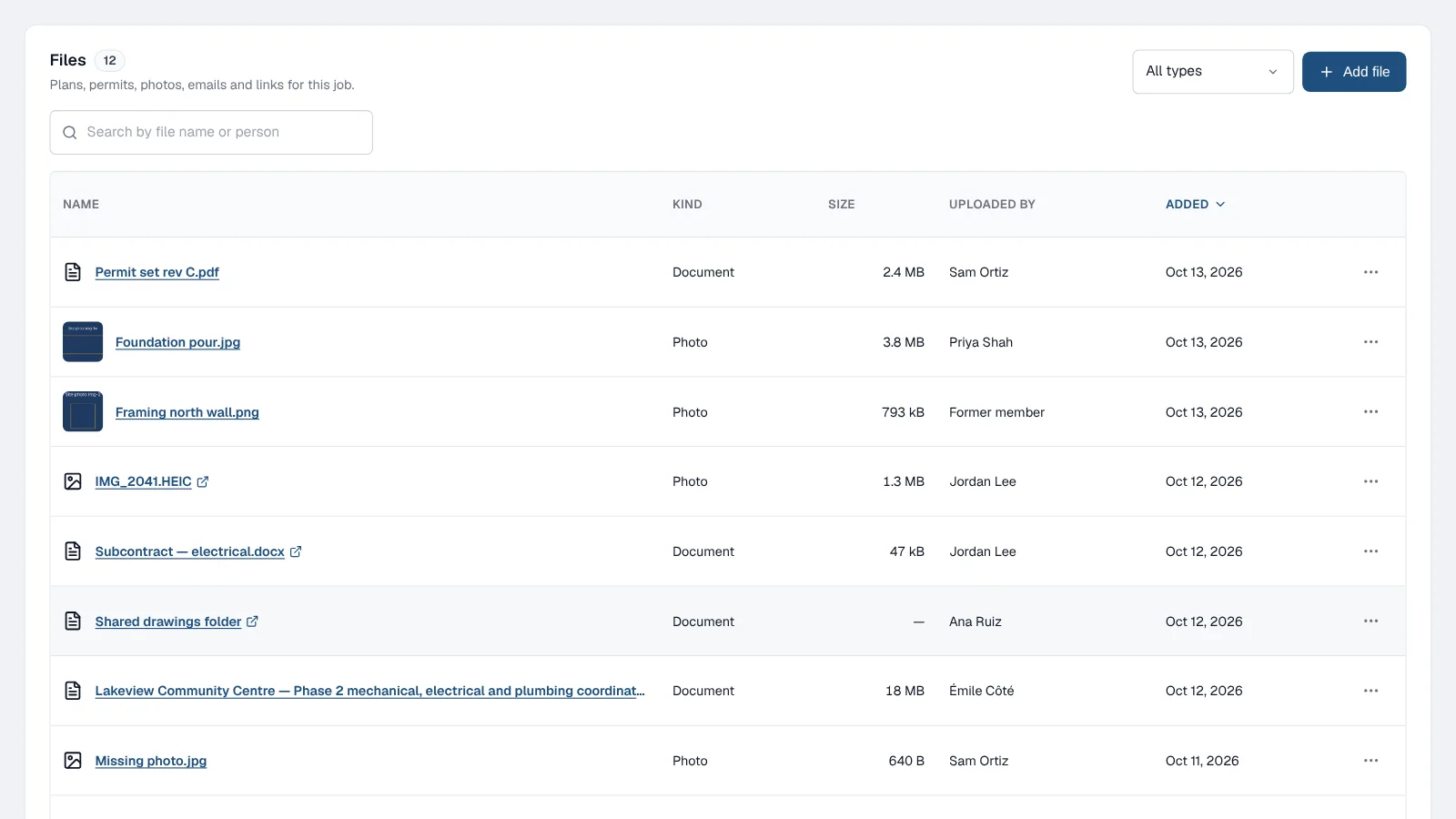
No. ProtoPM runs the job: the schedule, punch list, inspections, files and costs. Keep your design software and store its drawings and certificates in the project's Files.